Today I published a significant update to the circle pattern generator. Version 1.4.1 of the application is available for macOS and Windows for download. This new version adds various shapes, rotations, colours and a generator for circular or elliptical canvases.
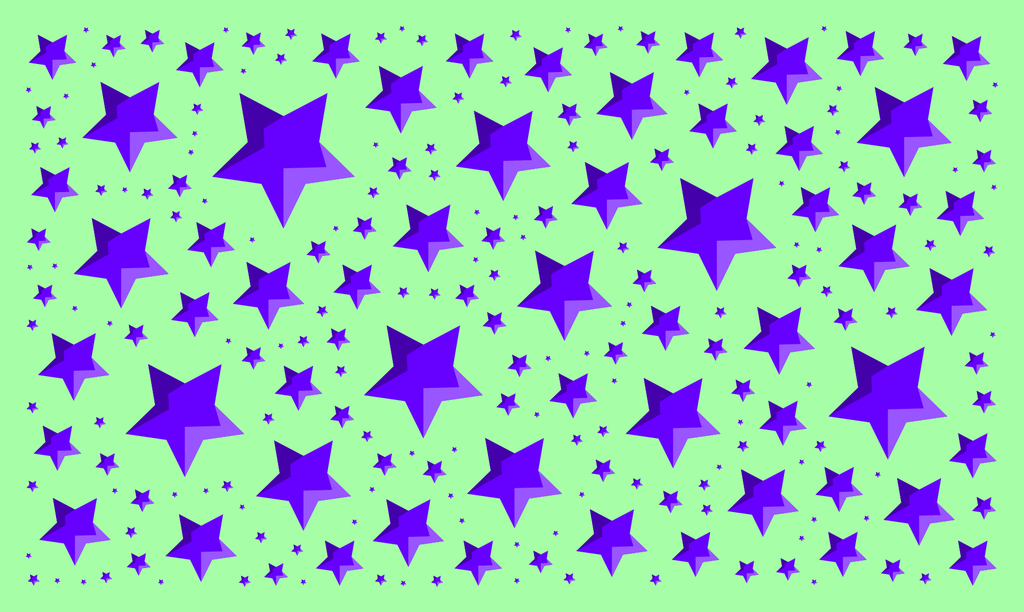
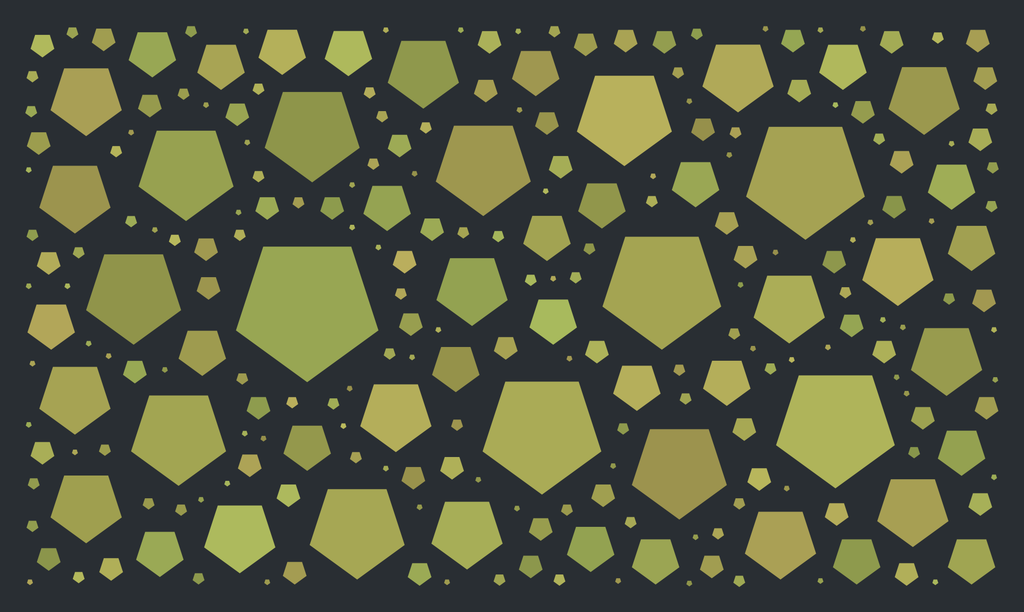
Circles are great, but different shapes may be better. The new version contains a small selection of shapes that can be used for the whole document or individually mixed.
The shape rendering in the SVG file is implemented using references.
So it is easy to replace a symbol in the definition tag, creating more complex documents, as I demonstrate below:
Rotation
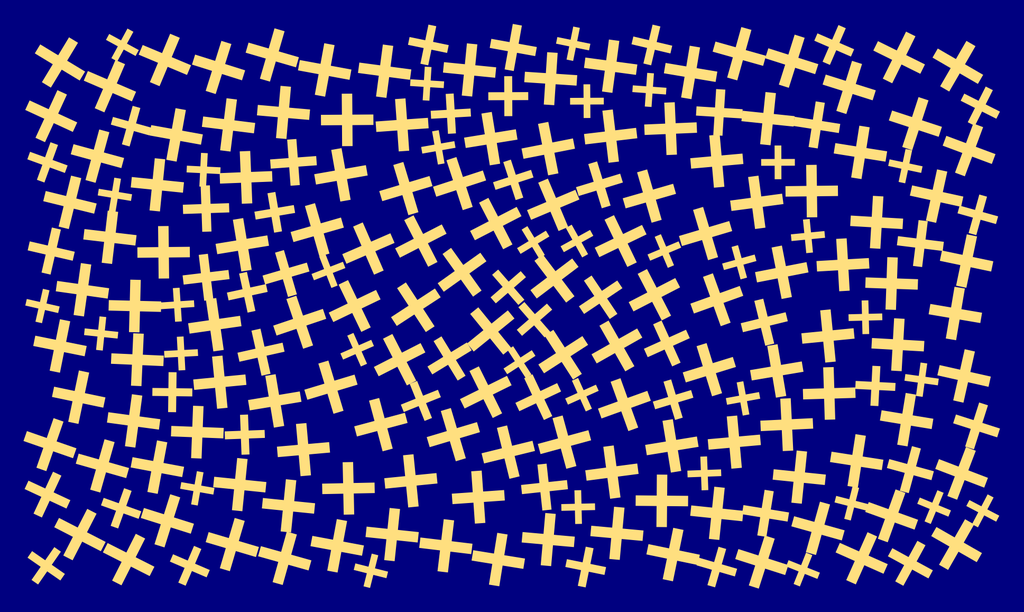
Applying dynamic rotation based on item positions generates beautiful effects.
Colour
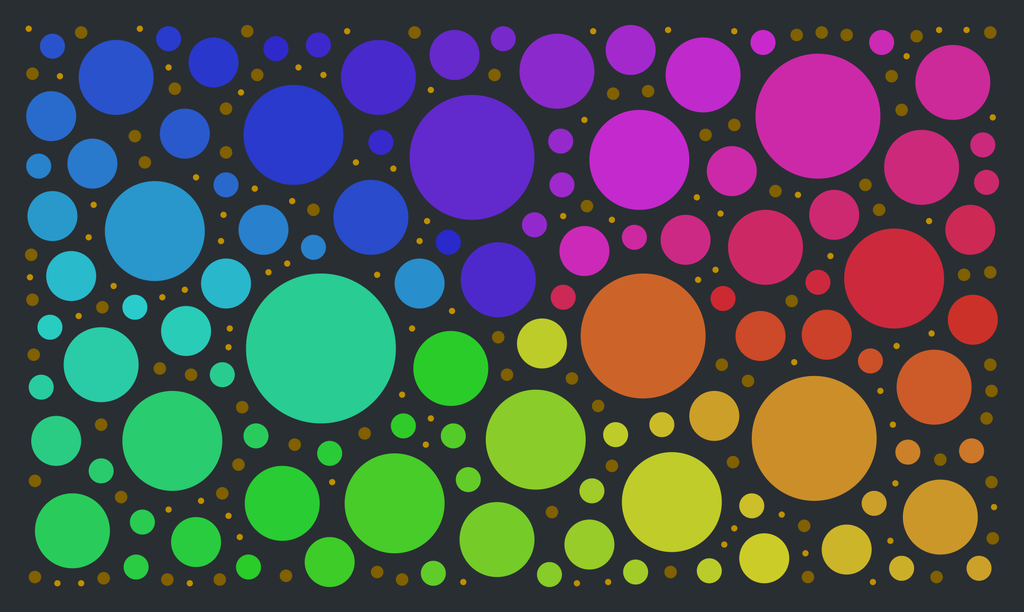
Colours can be generated dynamically by individually controlling hue, saturation, value and alpha based on the item position. This opens endless possibilities.
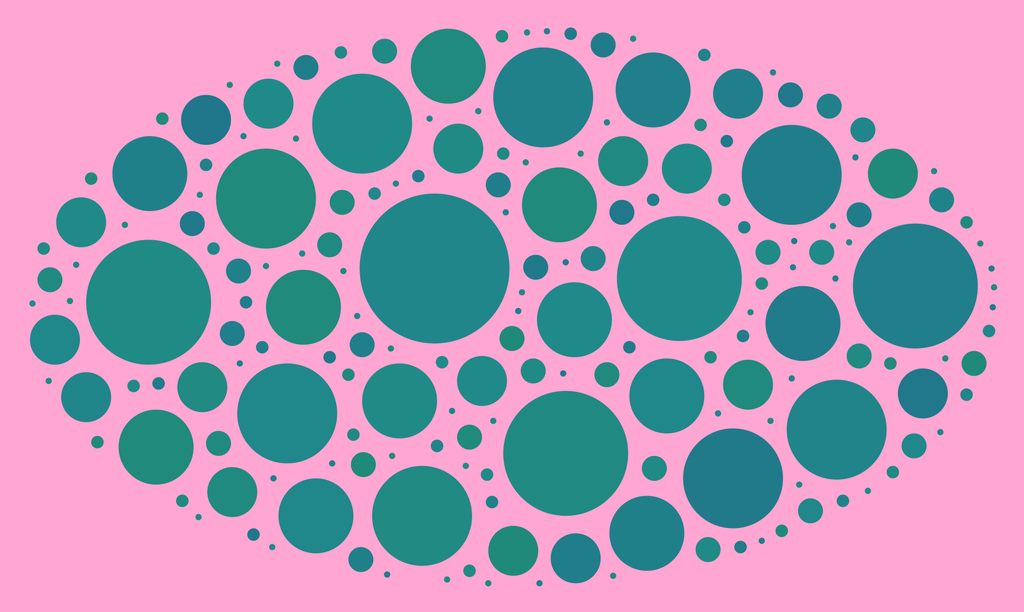
Round Canvas
Conclusion
I hope this update will help you create even more creative patterns. The examples I show here are just the tip of what’s possible with the generator.
If you have questions or feedback, feel free to comment below. Also, do not hesitate to contact me if you have feature requests or any feedback on the application.
I've been developing software for over 20 years and share how my language preferences shifted—from assembler and C to Python, Swift, C++, Go and Rust. I outline use-cases and trade-offs in a personal, practical way; if you're deciding what to learn, please read the full post for detailed guidance.
I've added a batch of new divider layouts across my storage box system — regular, flat, tall, triple and extended series — based on your feedback. I've updated documentation and uploads; downloads are available on the new platform. Please take a look and read the full post for details and download links.
Posted on 2019-07-29— C++, Improve your Code, Learn
I explain C++11 enum class: why it prevents name conflicts, how it compares to traditional enums and common workarounds, with practical Arduino-friendly examples. If you want clearer, safer enum usage in your interfaces, read the full post for code samples and simple best-practice guidance.
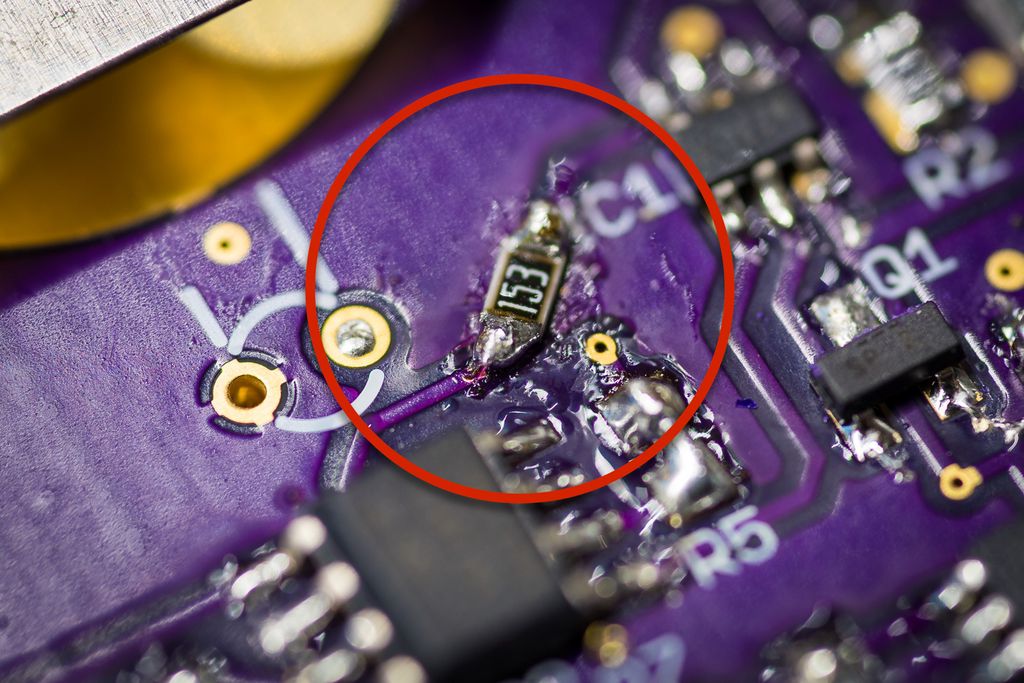
I guide you through writing a near-final firmware for my cheap plant watering sensor, describing module structure, incremental development, and practical tests. I cover ADC sampling, oscillator checks, EEPROM settings and a prototype fix for the push-button. If you’re building a similar device, I invite you to read the full post.
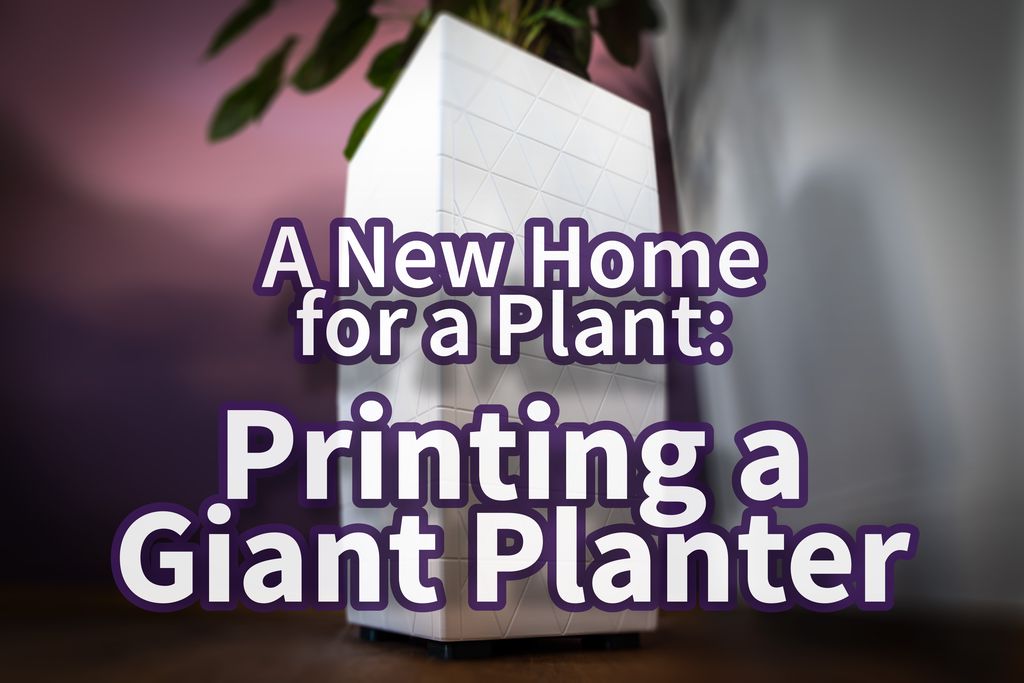
I walked through designing and 3D-printing a 70 cm PETG planter for my deep-rooted Ctenanthe. I share the tests, design choices, and practical fixes for warping, filament, split parts, and assembly. If you’re curious about large-scale prints or want the model files and tips, please read the full post.
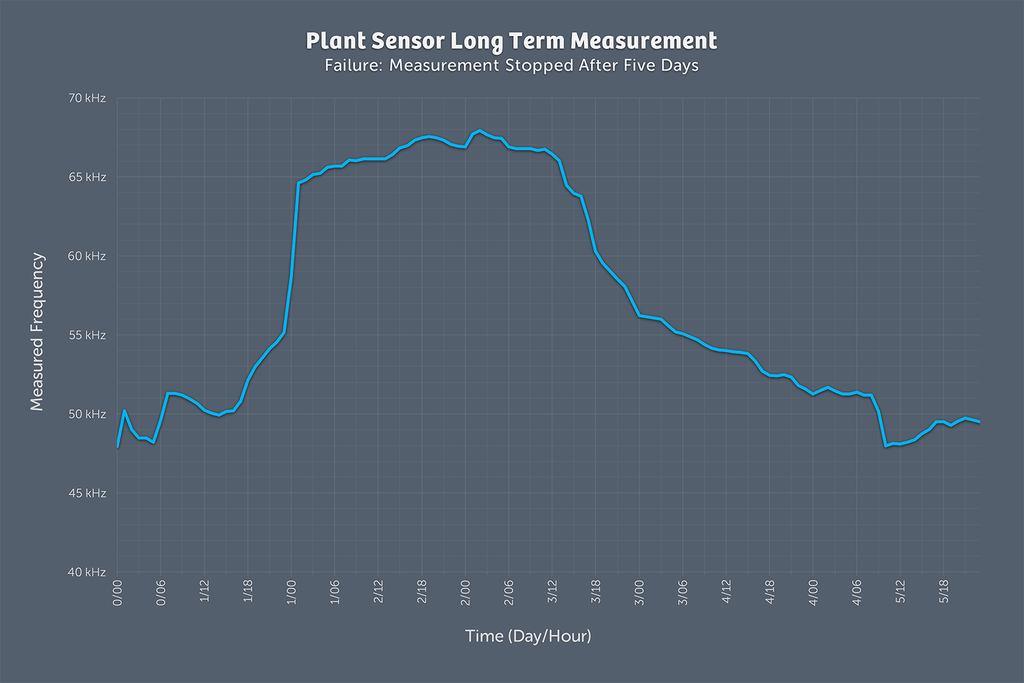
I ran a five-day long test of my plant watering sensor and the results were confusing, so I started a new, more insulated setup using an Adafruit Feather M0, an optocoupler, and pulse-length encoded signals with interrupts. If you’re interested in the hardware and code details, read the full write-up.