published: January 19, 2021 —
last modified: October 23, 2025
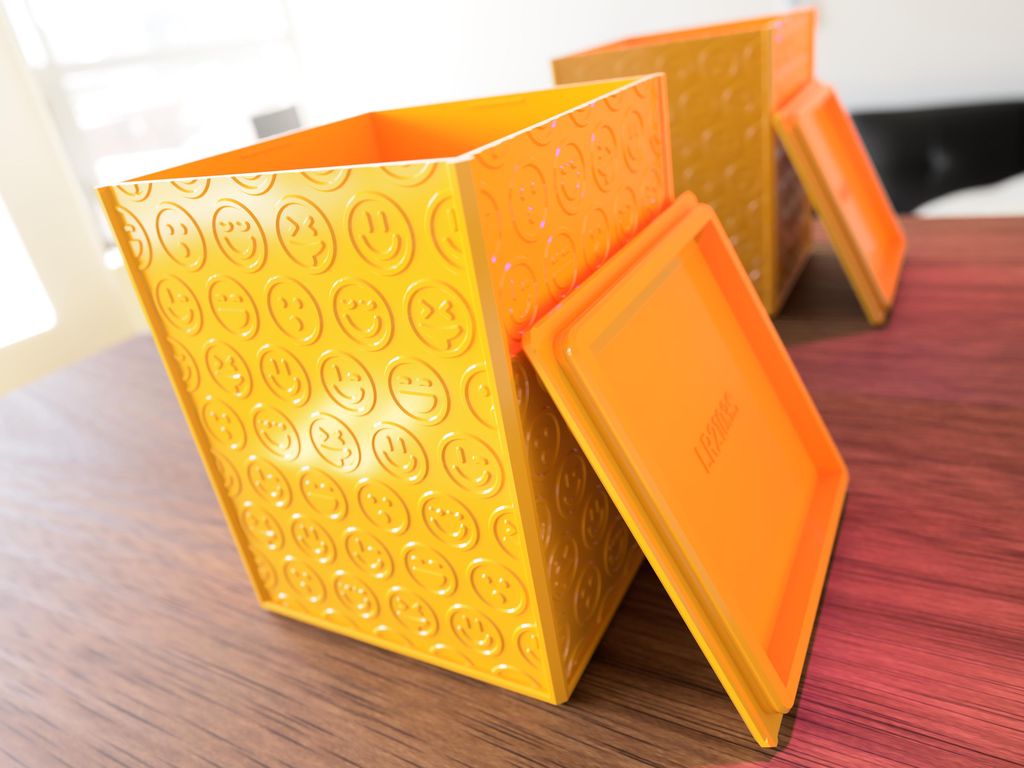
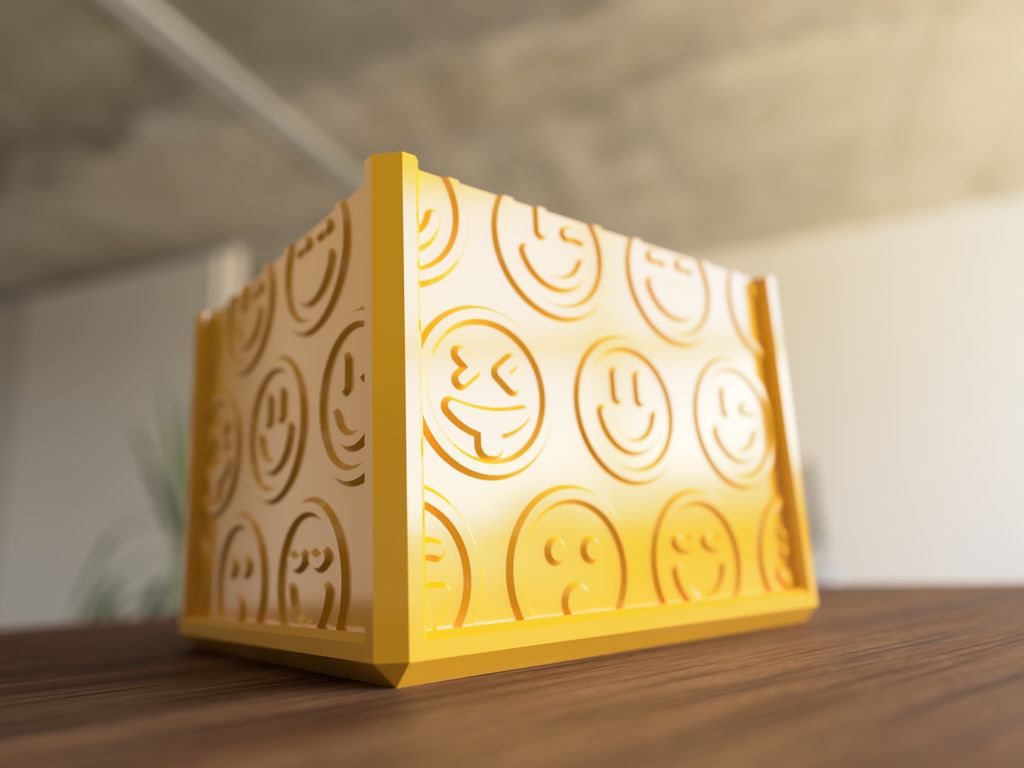
I just published another set of 500 boxes. The new set has smiley faces as decorations. As with the heart and lines set, the box comes in 500 sizes with two different lids for each.
Table of Contents
Part Numbering
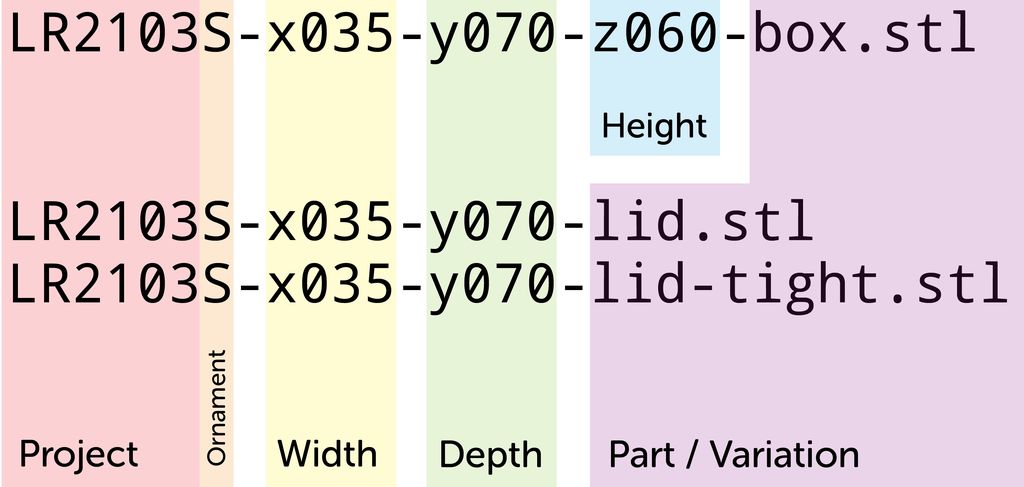
To choose the right box, you need to know the inner dimensions. There is the width (x), depth (y), and height (z) to choose from. If you want to print a box with the inner dimensions 35×70×60mm, search for a file named like this:
LR2103S-x035-y070-z060-box.stl
For the matching lid, search a file like this:
LR2103S-x035-y070-lid.stl
Because the x and y dimensions are interchangeable, there is no file LR2103S-x070-y035-..., for these dimensions, always put the lower value in x.
There are two different types of lids for each box size. The regular lid, with the suffix “-lid” has a spacing of 0.1mm, which should work with all 3d printers. If this lid feels too loose for you, there is a lid with the suffix “-lid-tight” which has a spacing of 0.05mm.
Download
You find the STL files for all boxes in the following GIT repository:
Use a 0.4mm nozzle. With larger nozzles, the fine line pattern will not look detailed enough.
Use 0.1mm or 0.2mm layer height for the print. The object is optimized for these layer heights.
Do not scale the model!
With the large boxes, there is a risk of warping. Make sure the ambient temperature is high enough.
Conclusion
Generating these boxes was much faster than the ones with the line patterns. Here I could prepare all the smiley patterns in advance, which speed up the whole process.
As before, many of the generated boxes had issues in the generated mesh. So I run a repair script over all files to optimise and fix everything. Nevertheless, if you run into problems with a file, please let me know.
If you have any questions, missed information, or simply want to provide feedback, feel free to comment below or contact me on Twitter. 😄
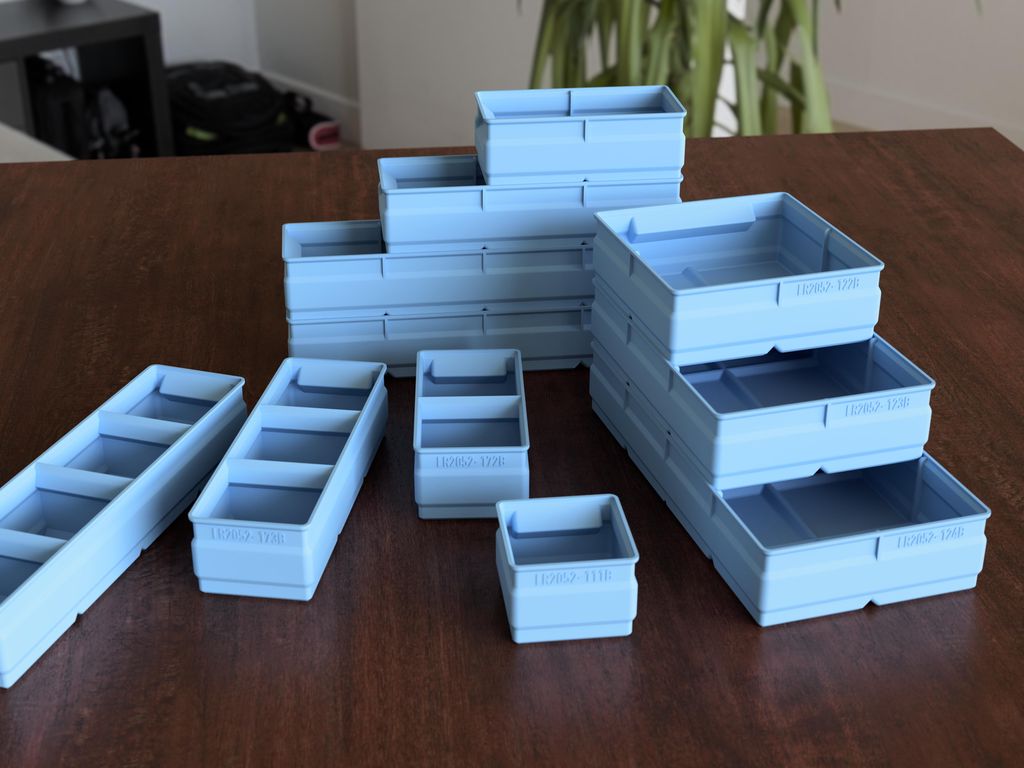
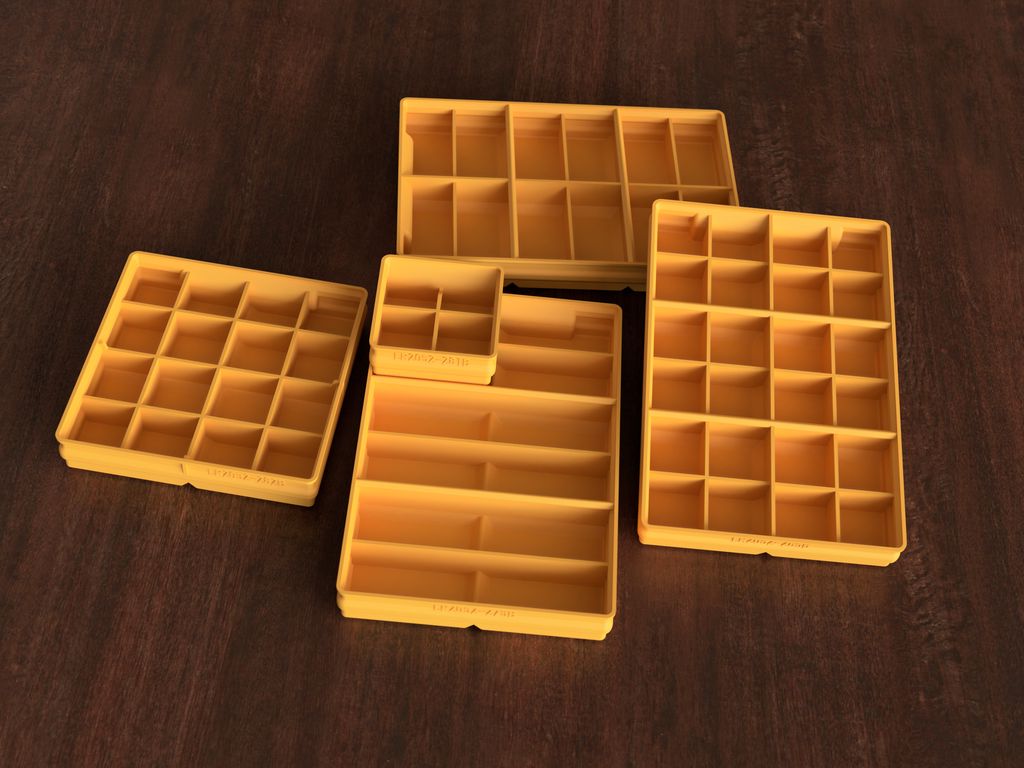
I've updated the Regular Storage Boxes set with improved corners and four new boxes, including a 2x4 and three with internal walls and label-ready tops. The designs are optimized for 3D printing with recommended nozzle and layer settings. Visit the project page for downloads and the catalog.
I've updated the flat boxes set with a refined wall profile (revision B) and added five new boxes, including a large 2×4 and four grid variants. I show corner comparisons and note existing customers received files. If this is useful, please check the full project details on the project page.
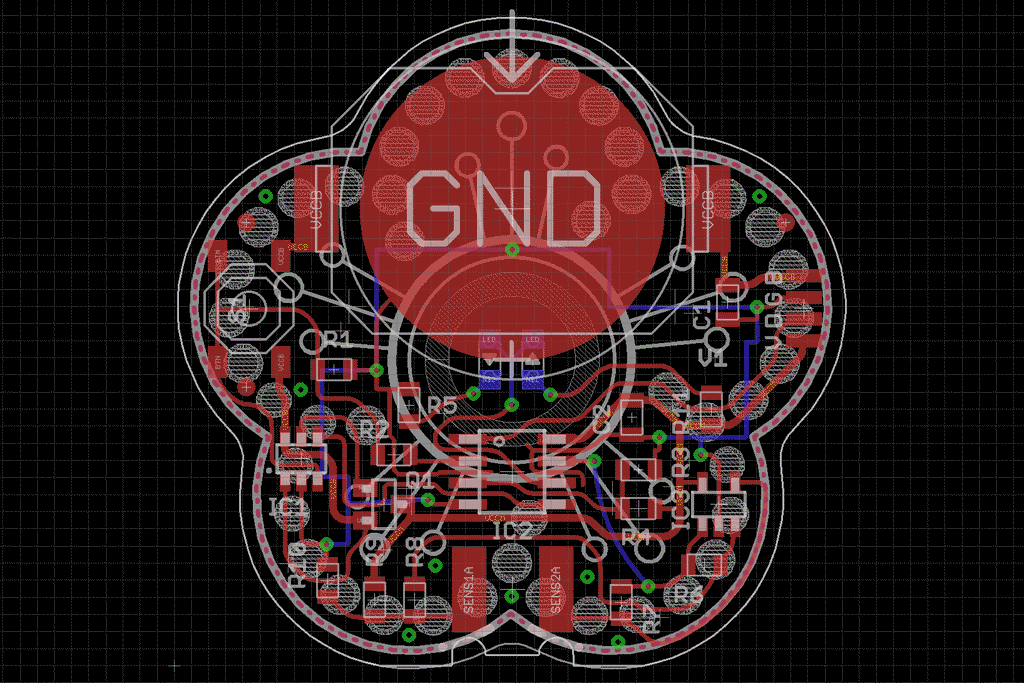
I use Autodesk EAGLE regularly and, while I appreciate parts of it, I ran into 12 recurring issues that waste time and hinder workflow. In this article I explain each problem and suggest improvements. If you use EAGLE, please read on — I hope it helps.
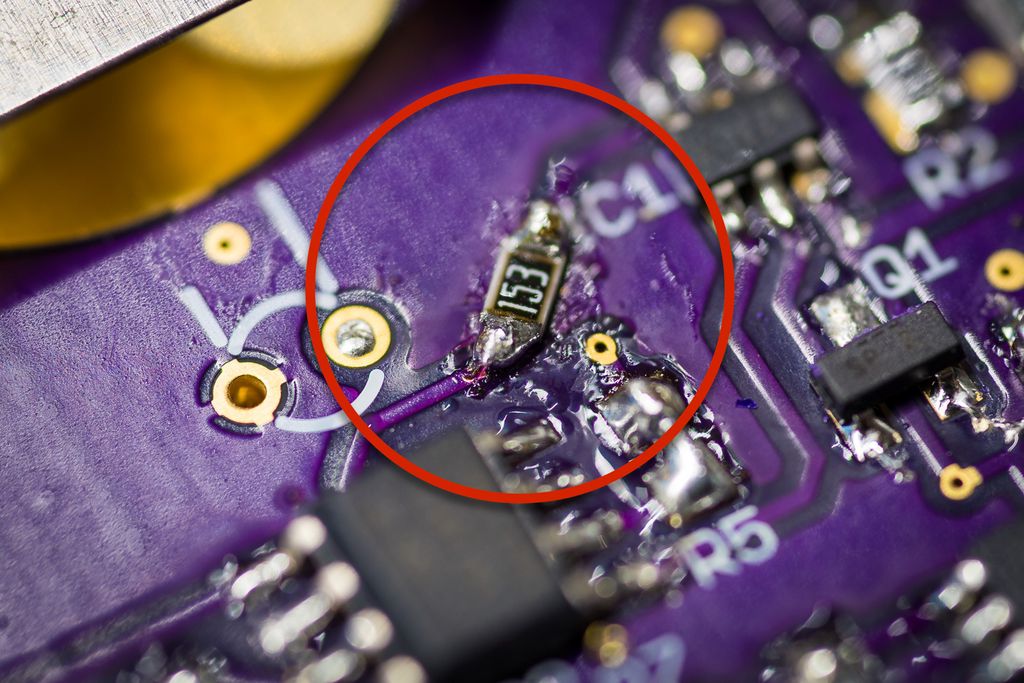
I guide you through writing a near-final firmware for my cheap plant watering sensor, describing module structure, incremental development, and practical tests. I cover ADC sampling, oscillator checks, EEPROM settings and a prototype fix for the push-button. If you’re building a similar device, I invite you to read the full post.
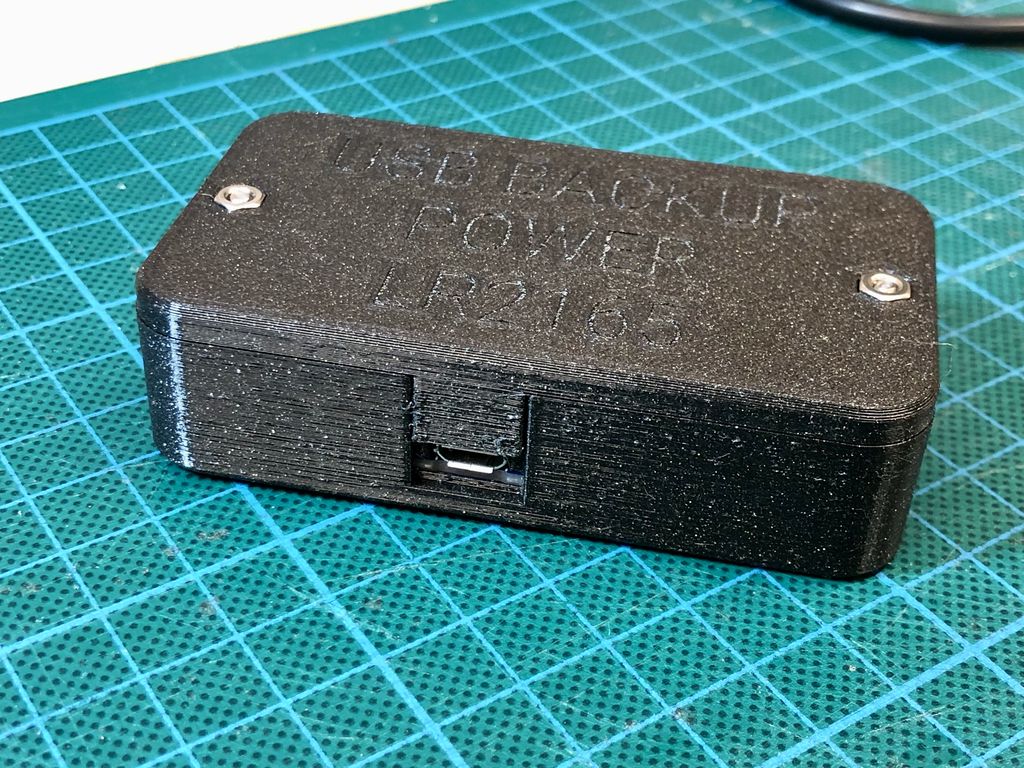
I designed a simple three-part 3D printed enclosure for the Adafruit PowerBoost 1000C and up to a 1200mAh LiPo. In this post I share the print files, component list, and step-by-step assembly tips to convert the board into a safe portable power pack — please read on if you'd like to build one.
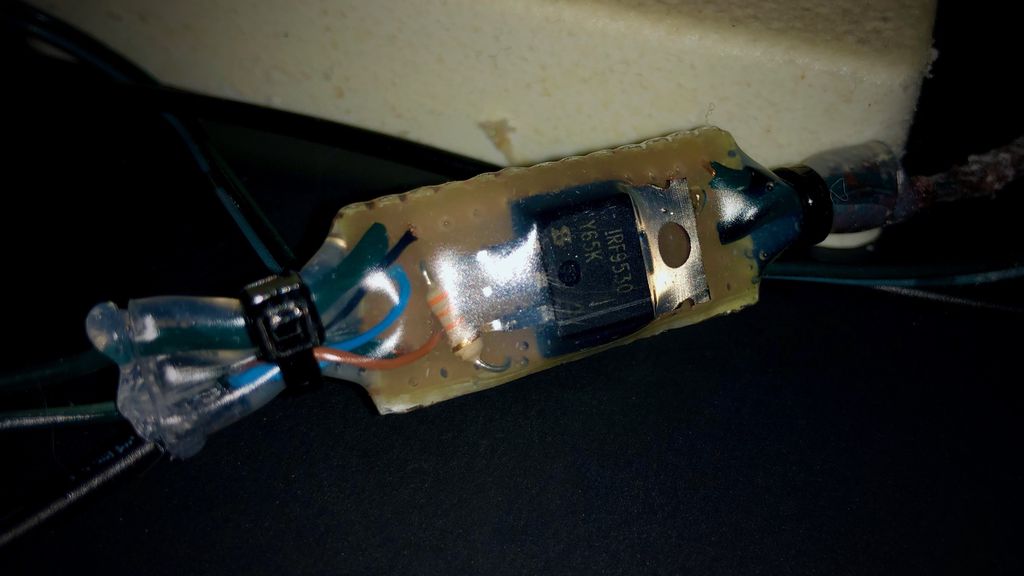
I wanted my winter decoration to switch on at dusk without constant adjustments, so I built a simple low-voltage controller using a P-channel MOSFET, a microcontroller and an ambient light sensor. I walk through my design choices, sealing for outdoor use and programming tips—read on if you'd like to build one too.