Snowflake Project Videos

published: November 15, 2019 — last modified: October 23, 2025

From the beginning of the snowflake project, I tried to create photos or videos which capture the actual beauty of the decoration. Here are the two more recent videos I created:

Differences to the Real Impression

I am not happy with the videos and photos so far, because the effect looks dull and flat compared with the real decoration.

First, the white LEDs are really bright. If all LEDs on a snowflake are enabled at the maximum level, the light is blindingly bright. In thee scenes of my firmware, I use the maximum level just very briefly to add this sparkle to the effects.

Second, the diffraction spikes I get with any camera and lens do not look even close to the effect you actually see with human eyes.

For the next video, I will try to add digital effects, to recreate the impression as close as you experience it in reality.

More Posts

12 Time Wasting Issues in Autodesk EAGLE

Posted on 2017-03-06— Common

I use Autodesk EAGLE regularly and, while I appreciate parts of it, I ran into 12 recurring issues that waste time and hinder workflow. In this article I explain each problem and suggest improvements. If you use EAGLE, please read on — I hope it helps.

Read this post

Convert Bitmap Fonts for LCD Displays with Style

Posted on 2015-09-04— Software

I created a small macOS app that converts bitmap 8×8 fonts into byte arrays for text-only LCD displays. It accepts PNGs, validates the layout, and outputs source code you can save or copy. I also provide an example font, a Photoshop template, and the source—read on for download and usage.

Read this post

Programming the Snowflake Decoration

Posted on 2019-11-30— Projects

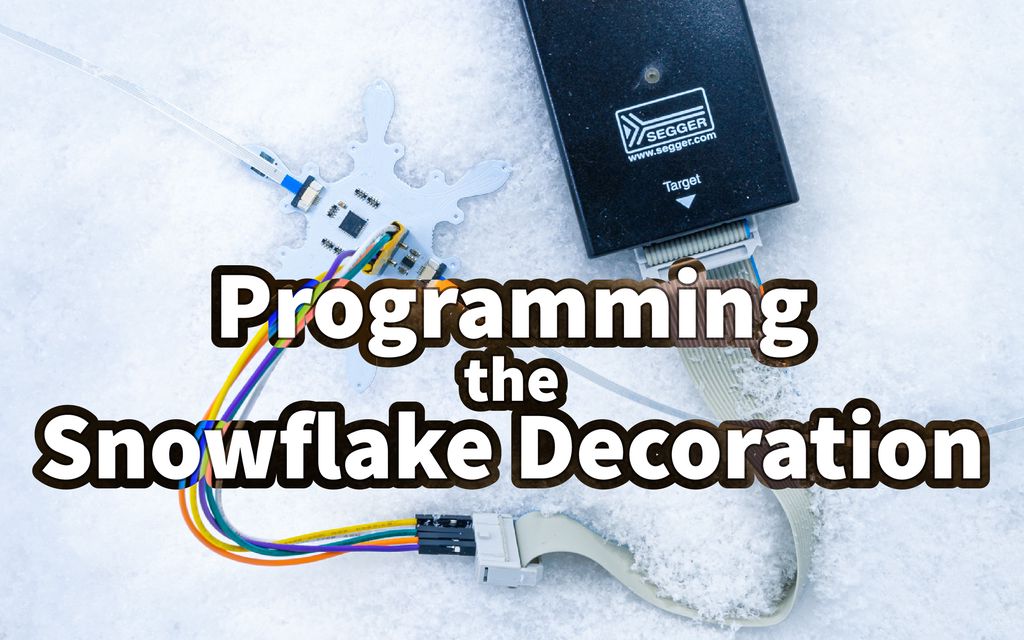
I walk you through flashing custom firmware to your Pimoroni snowflake decoration using an SWD J-Link and Atmel Studio. I cover hardware, wiring, software setup, and step-by-step build and flash instructions so you can safely program your boards. Read the full guide for tips and troubleshooting.

Read this post

“Read SGP30” Command-Line Tool

Posted on 2020-12-19— Projects

I published a small command-line tool to read the Sensirion SGP30 air-quality sensor on a Raspberry Pi. I explain usage, options, and how to build and install the C tool so you can get JSON CO2/TVOC output. If it helps, please read the full post for details.

Read this post

SMD LEDs Tests

Posted on 2017-02-16— Fun, Projects

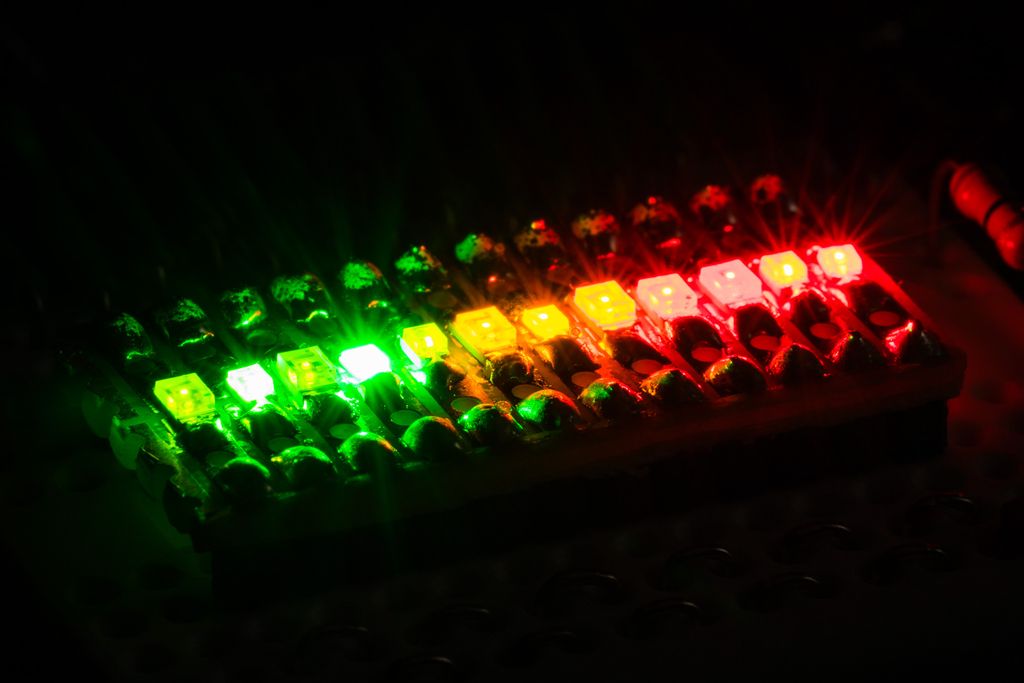
I tested 13 SMD LEDs for my plant-watering sensor project, soldering them to a small board and driving them from an Arduino Zero Pro to compare brightness and flash styles. I share photos, part numbers and a short demo video — read on if you’d like the full results and notes.

Read this post

Huge Storage Boxes Update

Posted on 2021-11-16— 3D Printing, Projects

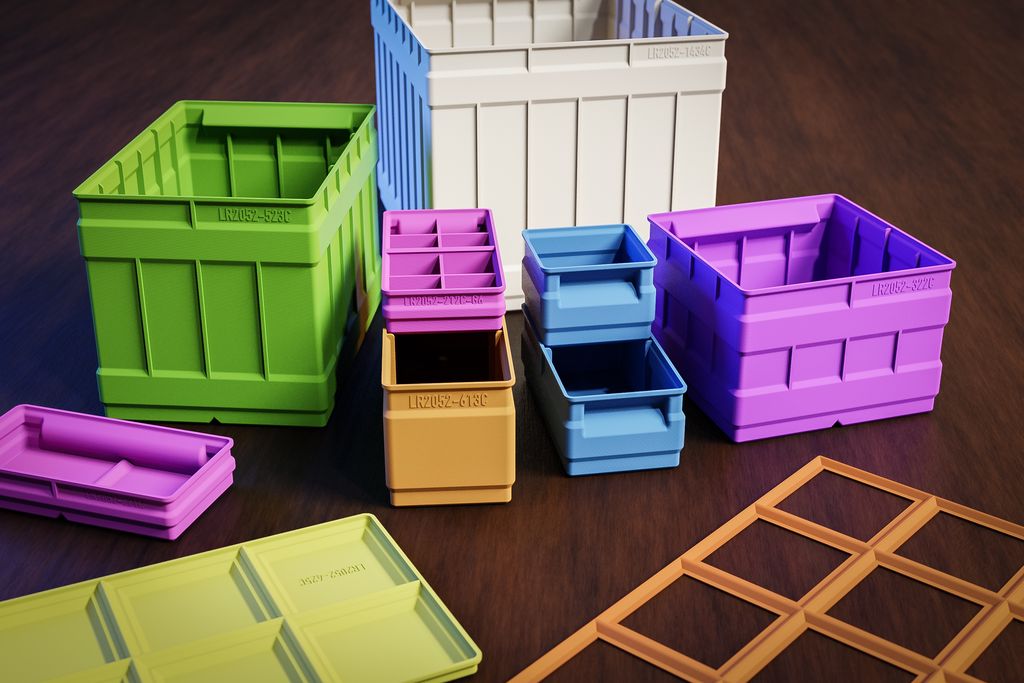
I’ve released a major update to my 3D-print storage box system: expanded sizes (up to 6x6 and 9x9 split), improved geometries, 3MF files, JPEG previews, and more dividers. If you use my boxes or print them yourself, read the full post for download links, compatibility notes, and printing tips.

Read this post