published: September 5, 2015 —
last modified: October 23, 2025
While working on the display driver for the Sharp display, I found some missing features in my “Font to Byte” application. I added this features and released a new version.
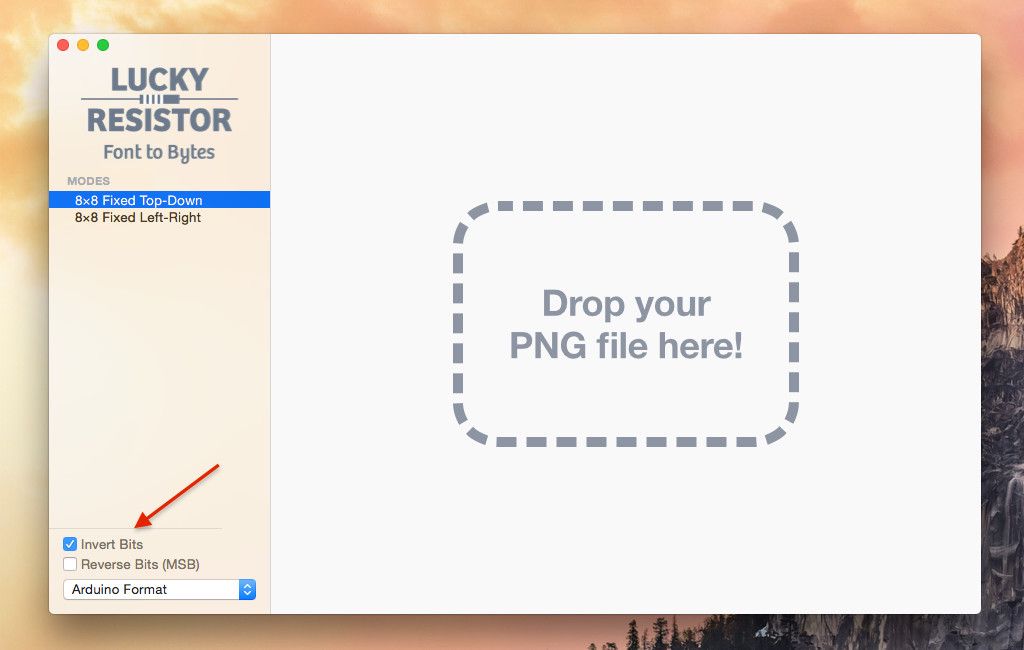
All bits can be inverted.
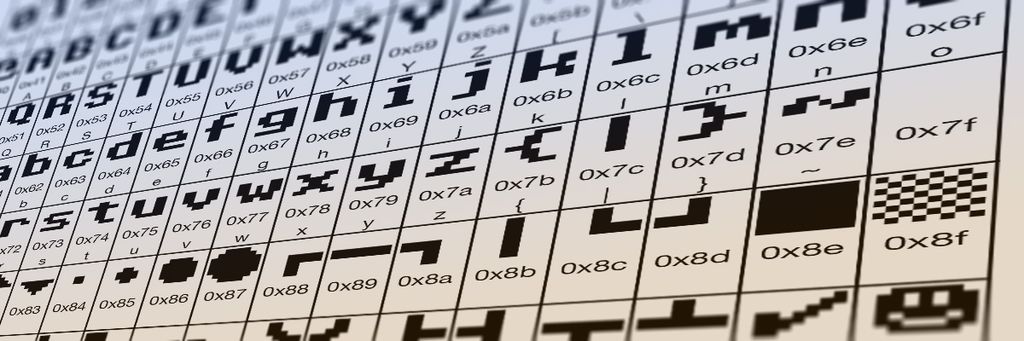
There is an option to print the converted characters into a useful code chart.
Driver Progress
A first version of the driver is running. It requires only ~160 bytes RAM to run. You can change the font easily, use up to 128 characters and invert any portion of the screen (e.g. for selections).
New Character Map
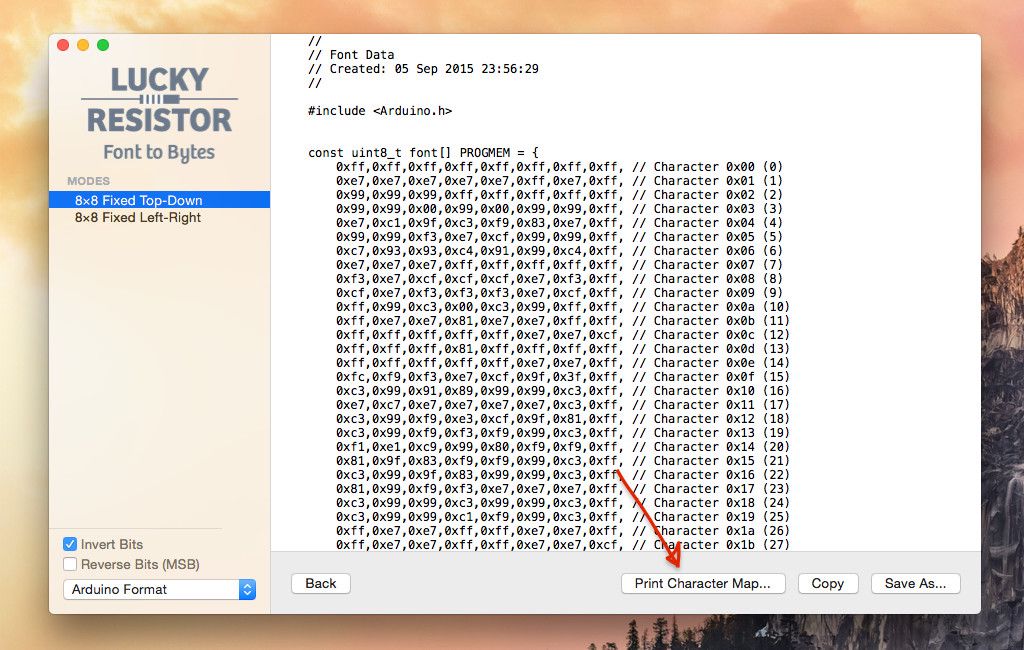
After converting the font into bytes, you can click the “Print Character Map…” button to generate a nice character map for your font.
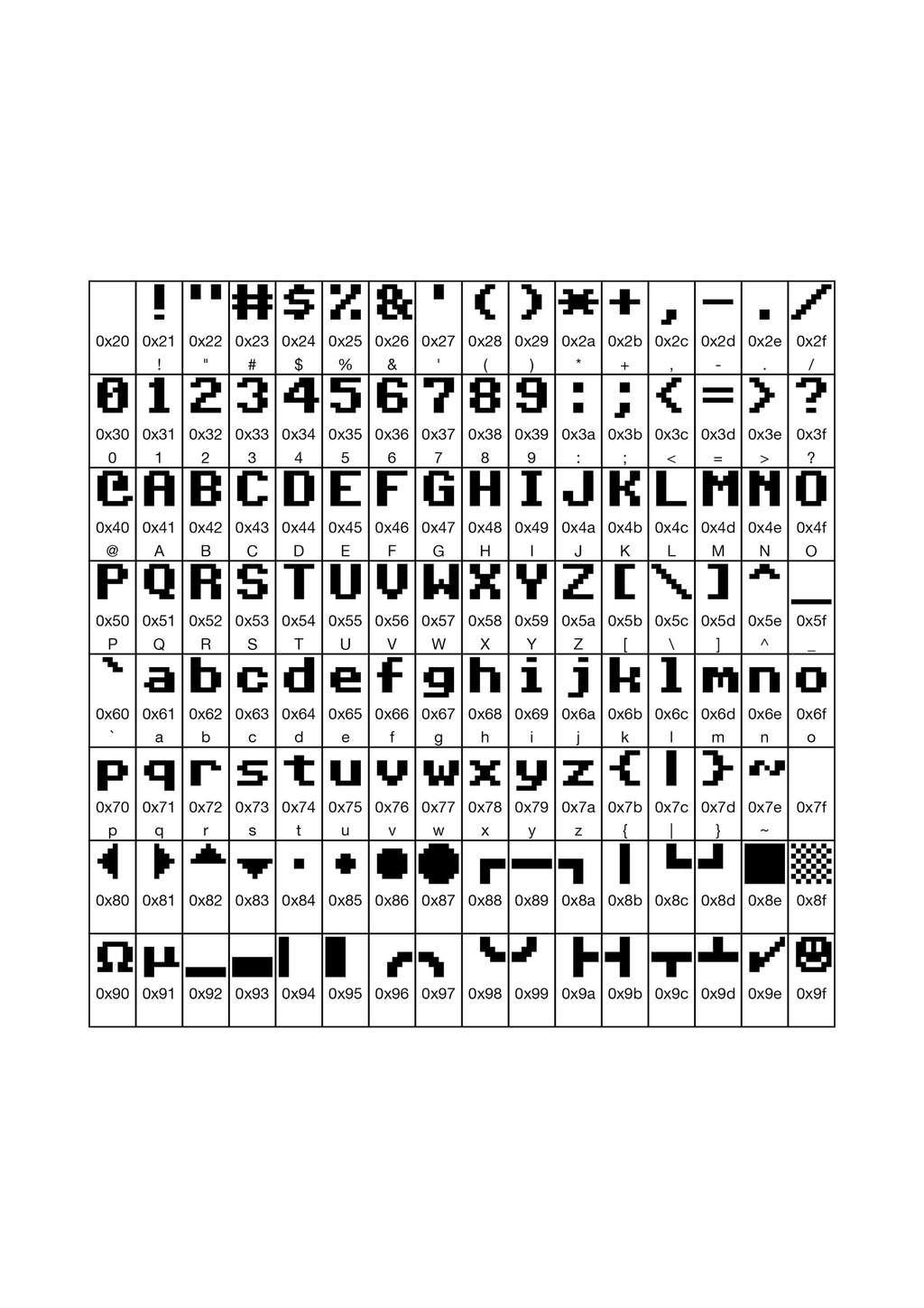
This is especially useful if you added some special character. With the map you can easily lookup the correct values for the characters.
You can also save the character map as PDF from the print dialog and use the PDF as reference.
The character map for my example font looks like this:
The Inversion Checkbox
The bit 1 is not always a black pixel, sometimes the bit 0 is a black pixel. To make things simple, you can already invert all bytes if this is required for your display.
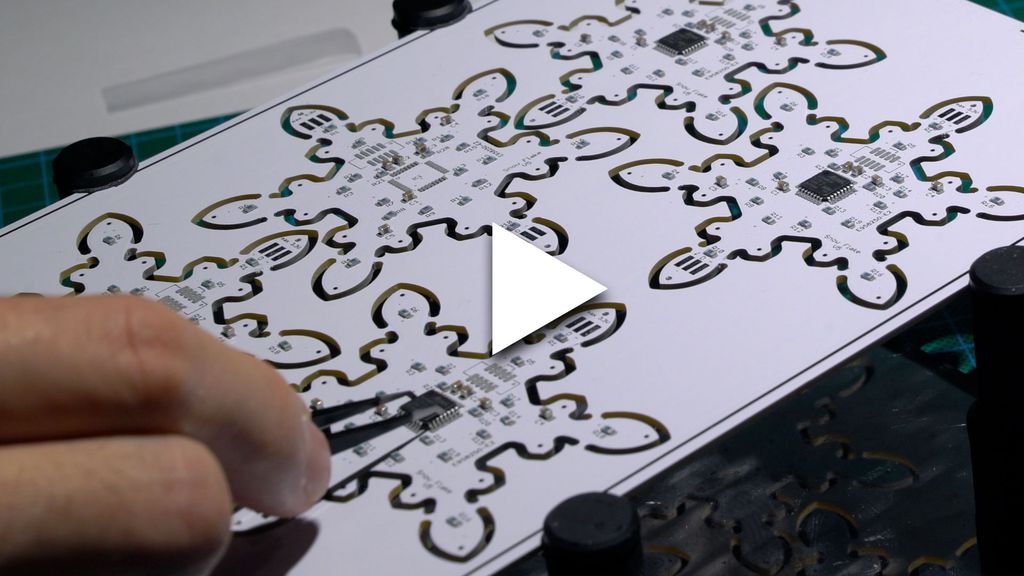
I walk through assembling the component side of my snowflake panel, showing stencil-applied solder paste, placement of 105 resistors, capacitors, headers and chips, and sped-up hot-air soldering. I test the LEDs at the end — please read/watch the full post if you'd like the complete build and tips.
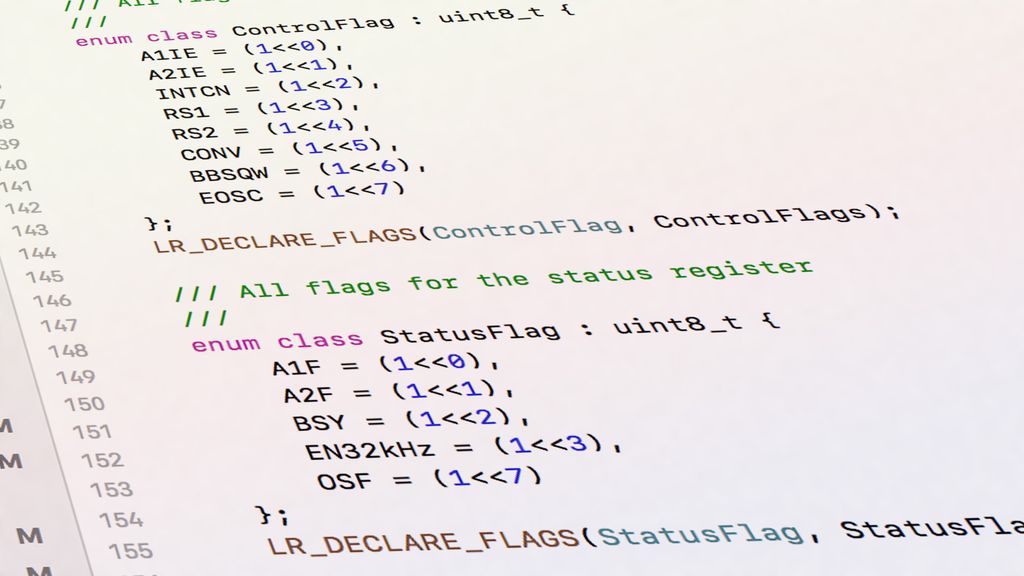
I show how a small C++ flags template makes embedded register bitmasks safer and much easier to read. I'll explain why macros and CMSIS-style definitions lead to errors, and walk through clear C++11 examples and a simple driver. Read on to see the implementation and usage.
I walk you through using the RP2040's PIO to measure a PC fan's RPM with a small software filter to ignore short spikes and timeouts. I explain the PIO routine and a simple RpmInput wrapper in MicroPython—read on if you'd like the code and practical setup tips.
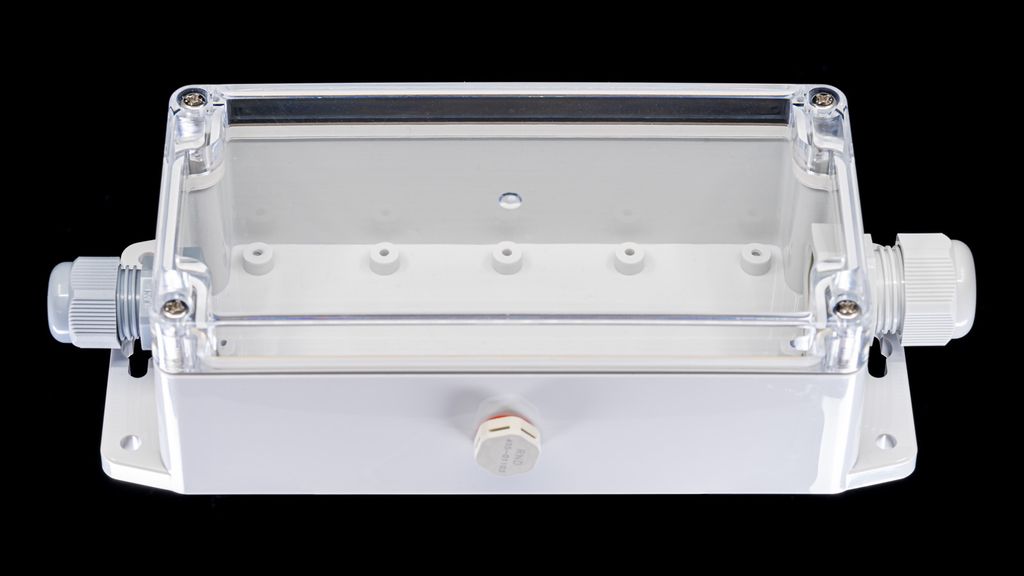
I share why I’ve grown to trust Distrelec’s RND enclosures for hobby and professional projects — sturdy IP65 cases, clear lids, pressure plugs, and 3D models, all at low cost and fast delivery. If you’re choosing a case, read the full post for sizes, examples and tips.
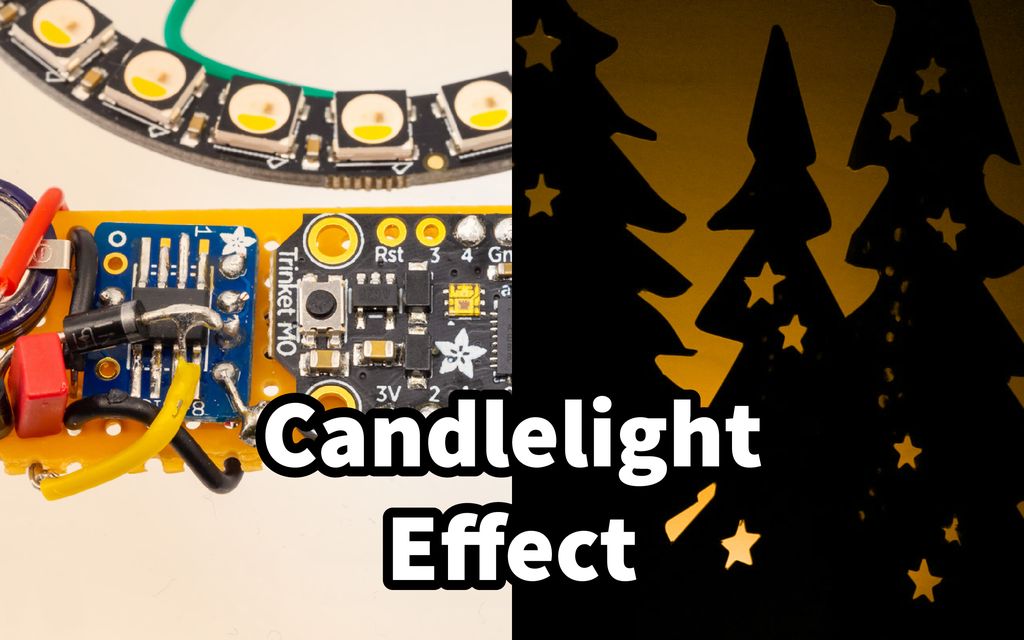
I built a compact Neopixel-based candlelight decoration with a DS3231 RTC and share the schematic, firmware, and build tips here. It's best placed behind a screen or in a jar. Read the full post for parts, assembly photos, and configuration notes to recreate it yourself.
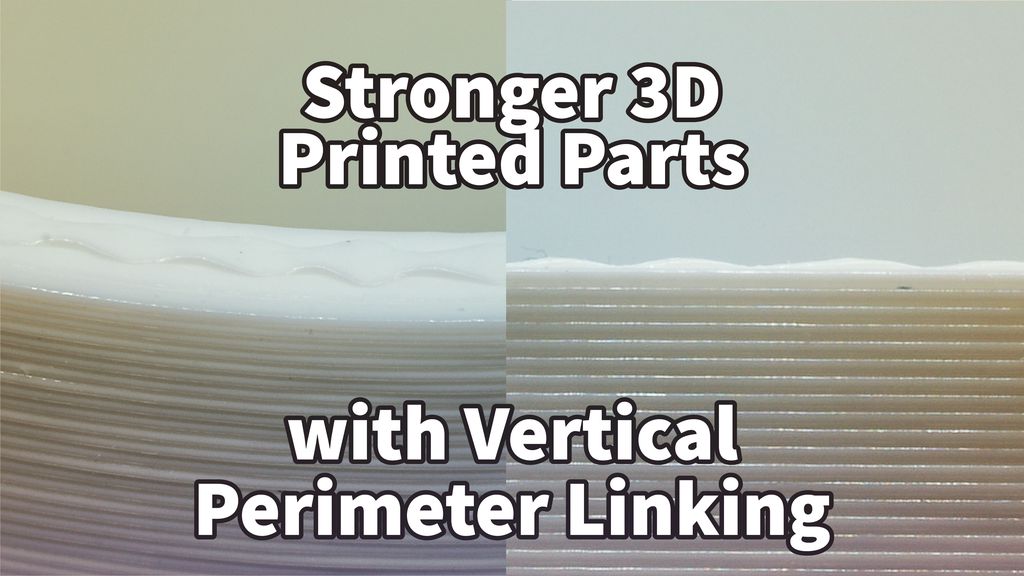
I tested a simple technique to strengthen FFF prints by adding a zig-zag vertical link between the outer and inner perimeter. My demo gcode and findings show how peaks fuse layers and slow crack propagation. If you print regularly, read the full post to see my method and limitations.