published: September 1, 2015 —
last modified: October 23, 2025
After fixing the timing problem with the sensor library, I started the data logger and recorded data in 10 seconds intervals until the memory was full. This time the AM2302 (DHT22) sensor was read every time, no cached values were used.
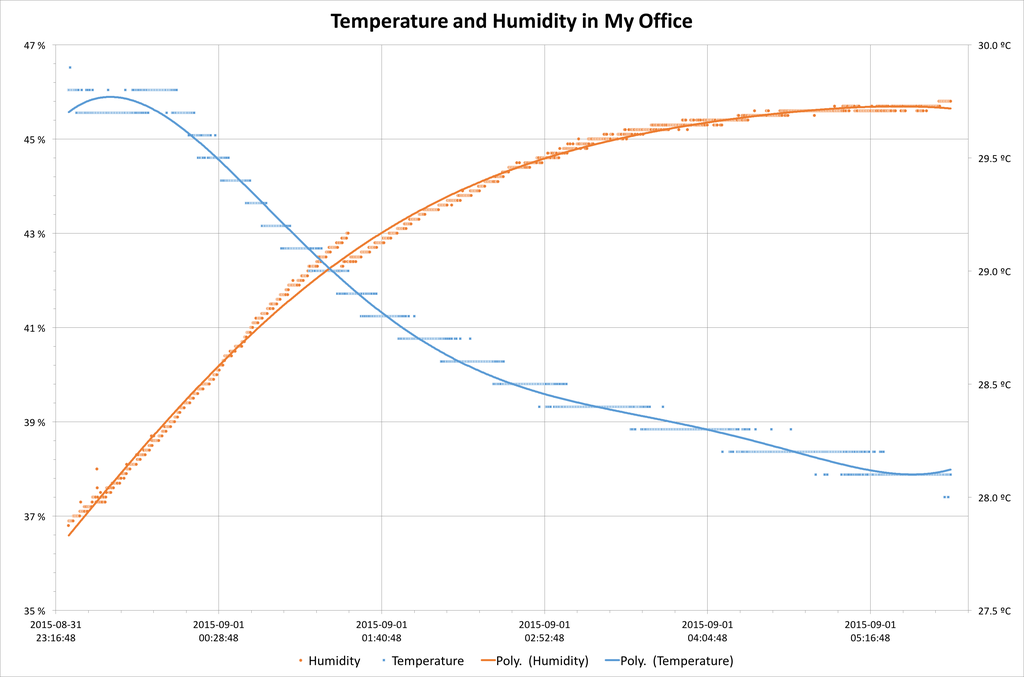
It created a really interesting data set you can see in the diagram below (click on the diagram to see all details):
The actual measured data values are the small dots in the background, and the lines are polynomial interpolated over these values.
For the temperature (blue) you can see the sensor precision limit of 0.1 and an interesting jitter when the value makes the transition from one value to another. In contrast, the humidity values (orange) do not have the same jitter like the temperature values, but you can see something strange at the crossing point of the two series.
In Detail
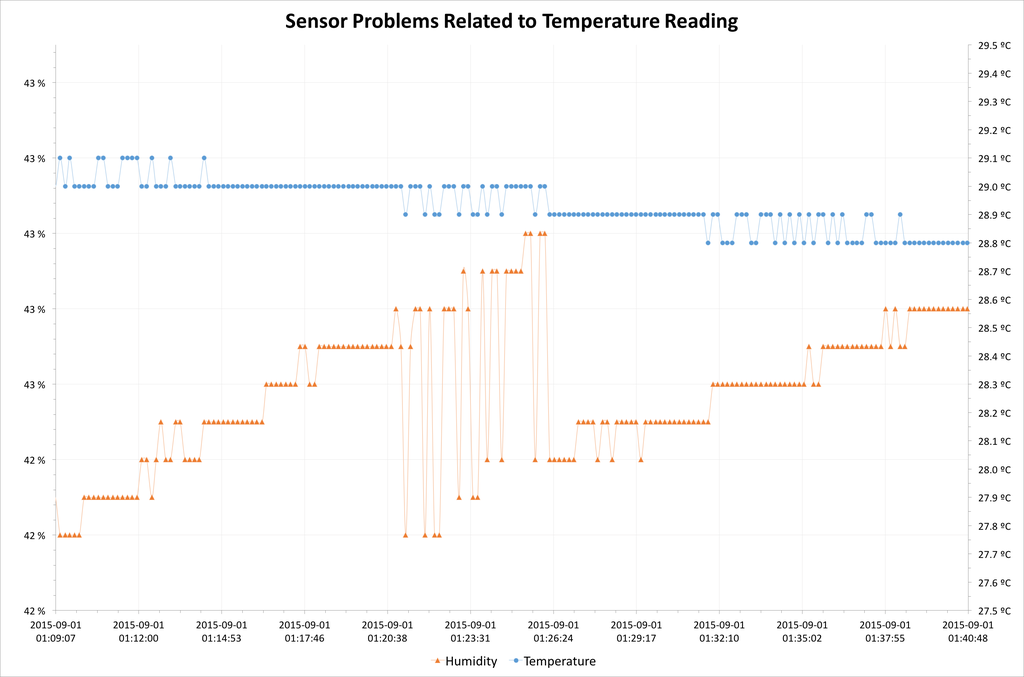
I created a new diagram where you can see this point in detail:
The jitter of the humidity values is minimal, but suddenly there are huge jumps of the values. Compare the jumps with the corresponding temperature values. Because the humidity value depends on the temperature, the jitter from the temperature causes the humidity values to jump.
Conclusions
The test was successful: There is now real sensor data for each measurement.
If this sensor is used for a real time display of humidity and temperature values, there has to be some integrated interpolation to flatten the jitter of the read values. This is no big deal for the data logger, because you can easily do all the corrections and interpolations afterwards.
Related Files
You can download the CSV file with the measurements and the Excel sheet I used with the links below:
I built a PID-controlled fan and temperature controller for my printer enclosure in about four hours using an Adafruit Feather, DHT22, OLED, MOSFET, and a PWM fan. I walk through printing the case, wiring, firmware setup, and assembly—read on if you'd like to build one yourself.
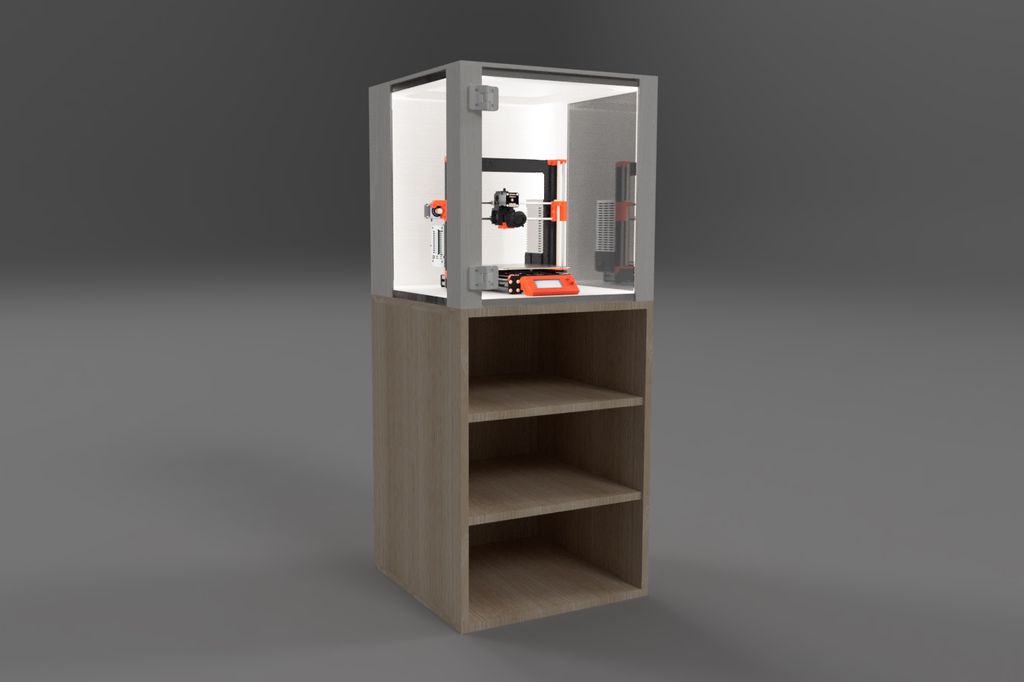
I’ll walk you through my parametric, heavy wood-and-acrylic 3D-printer enclosure — from choosing boards and adjusting the Fusion 360 model to cutting parts, assembly, and 3D-printed hinges. If you want a stable, customizable enclosure for your printer, read the full tutorial for measurements, photos, and tips.
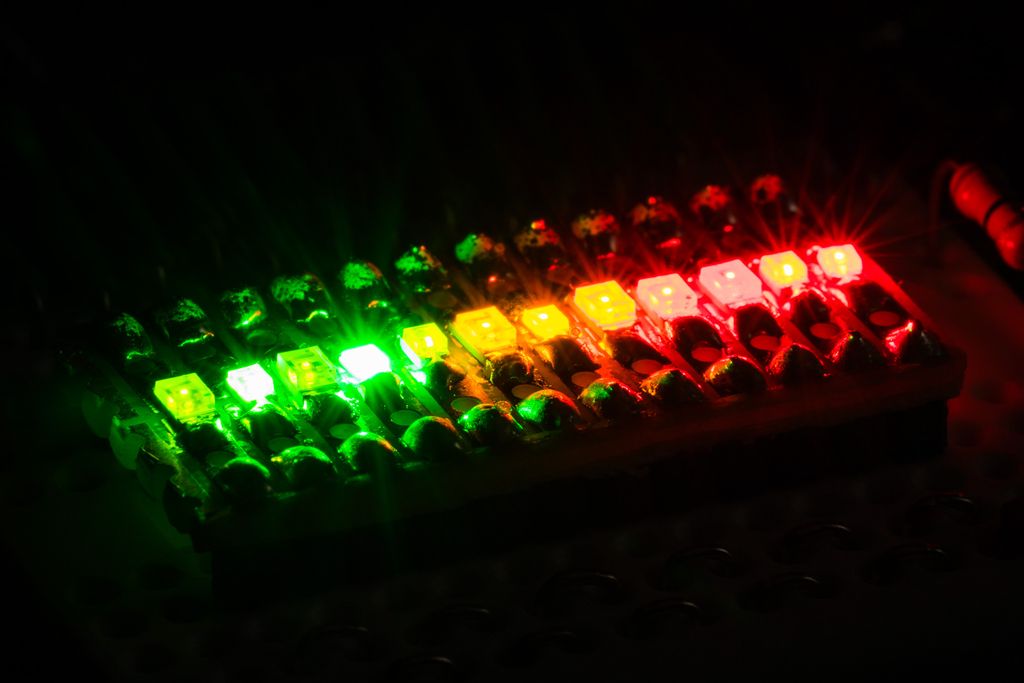
I tested 13 SMD LEDs for my plant-watering sensor project, soldering them to a small board and driving them from an Arduino Zero Pro to compare brightness and flash styles. I share photos, part numbers and a short demo video — read on if you’d like the full results and notes.
I walk you through the Snowflake v1.2 firmware's button-based configuration: short vs long presses, auto and single modes, LED indicators, and pattern durations. I explain the six-second timeout and that settings aren't saved after power loss—please read the full post for step-by-step usage and tips.
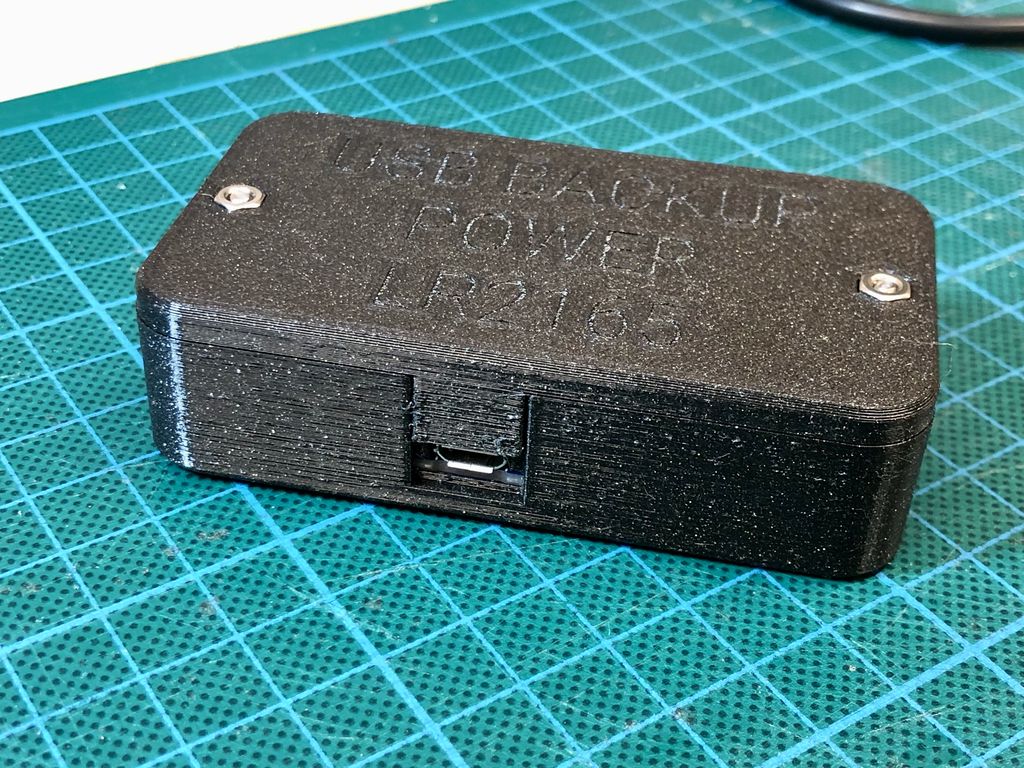
I designed a simple three-part 3D printed enclosure for the Adafruit PowerBoost 1000C and up to a 1200mAh LiPo. In this post I share the print files, component list, and step-by-step assembly tips to convert the board into a safe portable power pack — please read on if you'd like to build one.
Posted on 2019-07-12— C++, Improve your Code, Learn
I walk through practical ways I use C++11's auto keyword to reduce repetitive declarations, simplify range-based for loops, lambdas and register access, and make Arduino and embedded code easier to refactor. Read the full post for examples and tips you can apply to your projects.