Today I release a full featured jump’n’run game for the MeggyJr RGB platform. It has an intro, a level map with more than 16 levels packed with obstacles and even a end scene. This game uses most of the flash of the ATmega328P and it was an interesting challenge to keep everything as compact as possible. In the past, when I learned to develop software, a very limited RAM was normal. Creating this game for this platform brought back a little bit of this nostalgia.
I release all sources of the game under the GPL v2 license. Feel free to create your own fork and improve this game even further. You can download a ZIP with the sources for version 1.0 here:
https://github.com/LuckyResistor/LuckyWorld/archive/v1.0.zip
To give you a quick impression of the gameplay, I created the following video.
Read more about the requirements for the game in the sections below.
Requirements
The game requires the LRMeggyJr library version v1.2 found at this URL:
https://github.com/LuckyResistor/LRMeggyJr/archive/v1.2.zip
Copy the folder into “Arduino/libraries” and rename it to “LRMeggyJr”.
Arduino v1.5.8 or newer is required to compile this game. Download it from the following location:
http://arduino.cc/en/Main/Software (See BETA section).
You need version 1.3 of the MeggyJr RGB hardware. Probably the game is working with previous versions, but I coult not test it.
How to Play
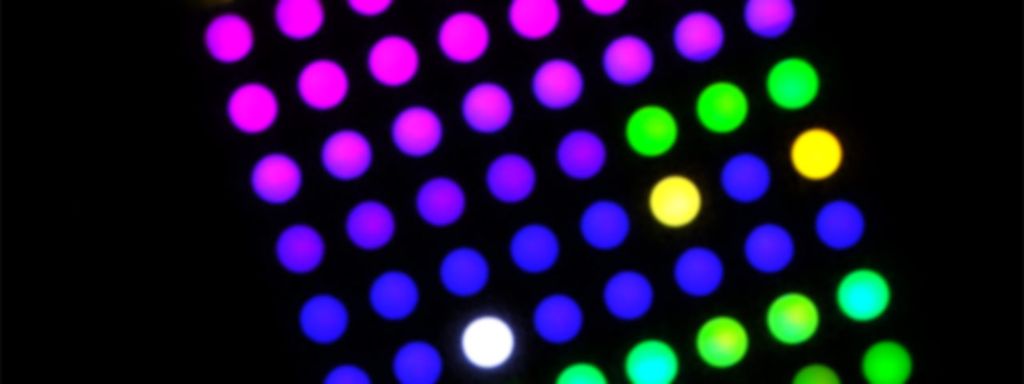
Your are the white dot on the screen. Use the left and right button to walk left and right. Press the A button to jump. You can hold down the B button to run slightly faster (and therefore make a longer jump).
The goal of the game is to reach the portal (flashing blue) at the end of the level without getting killed by holes, water, lava, canons or monsters.
If you collect more than 64 coins you will get an extra life.
You can see the current number of lives displayed using the yellow extra LEDs on top of the display. The maximum number of lives is 8.
If you die and lose you last life, the game is over and you will lose your progress so far.
The game has 16 regular levels divided in four blocks a four levels. If you successfully finish one block of four regular levels, you will not lose this progress on game over.
There are some secret and hidden exits on the middle of some levels.
Game Elements
- In some levels there is a sky background which goes from dark blue to dark pink.
- Green dots are solid ground. But there are moving platforms which are of a slightly brighter green.
- Yellow dots are coins.
- Bright blue is water, you will drown in water.
- Orange is lava. There is flowing lava like water, but also jumping lava fire balls.
- Pink are canons. Just before a canon fires a new bullet, the cannon will start to flash slightly.
- The canon balls are bright red and flashing.
- There are also moving monsters in different sizes which are red.
Source Code
You will find the source code for the game at the following location. I released the code under the GPL v2 license.
https://github.com/LuckyResistor/LuckyWorld
I hope you have a lot of fun with this game! If you have any questions about the code, feel free to leave a comment, I will try to explain more details in further ports.
Best,
Lucky Resistor